
Wan 3.0 AI Video Generator
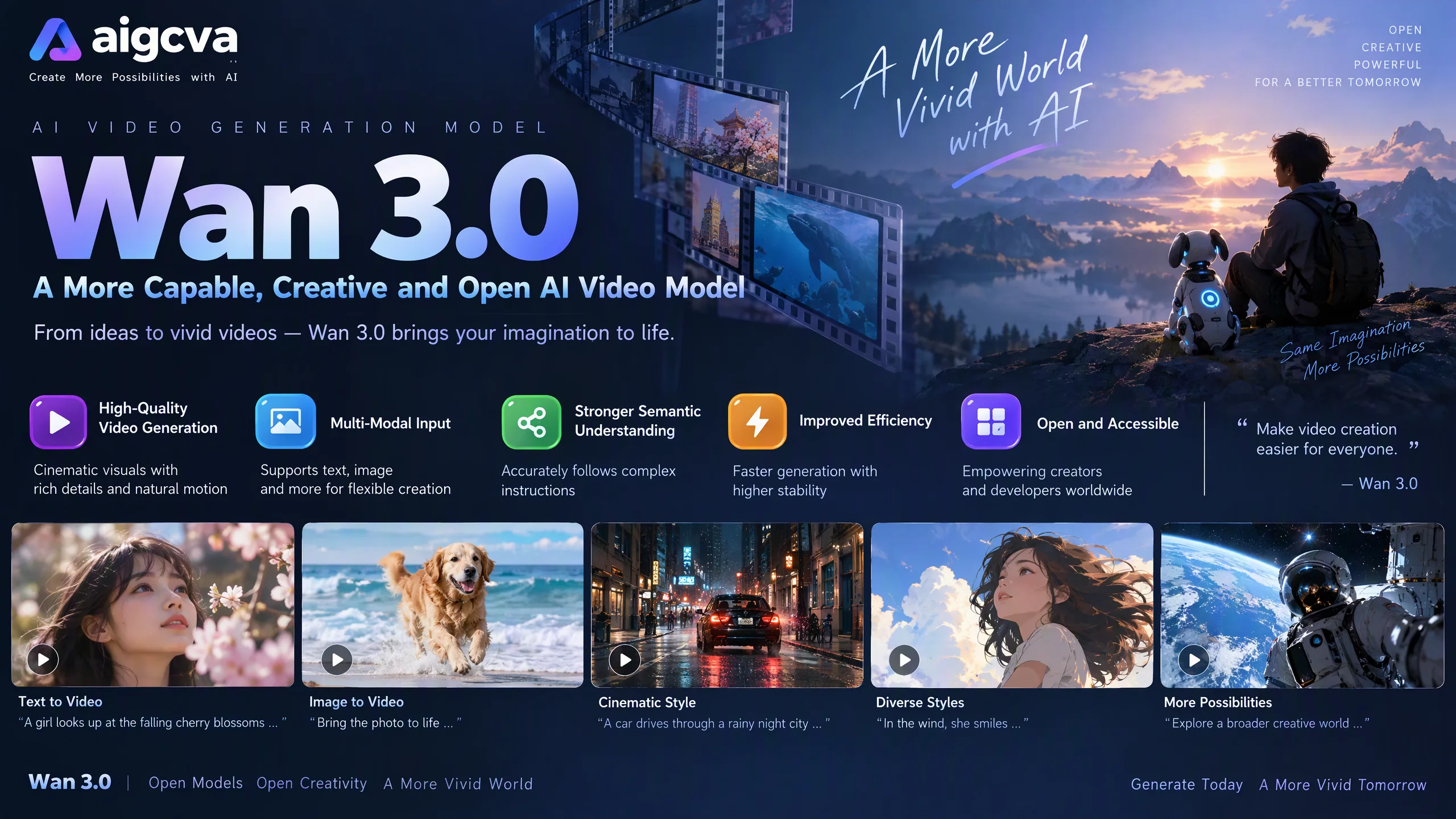
Wan 3.0 (model name wan3.0-video) is Alibaba's all-in-one reference video model. Text, images, video, audio, documents, and links can all be inputs. One pass runs up to 30 seconds at 480p, 720p, or 1080p.
Wan 3.0 became available on Alibaba Cloud Model Studio in August 2026. One model covers text-to-video, first-frame or first-and-last-frame image-to-video, and reference-to-video, and it is the first in the family to turn a deck, PDF, or spreadsheet into a clip. References keep characters, props, space, and style consistent. An existing clip can be edited for visuals, plot, and dialogue instead of being regenerated.
Where Wan 3.0 Fits
- Short films and creator clips: 30 seconds is enough for a complete beat, not only a few seconds of motion.
- Brand and ads: Hand the model a brand story, product page, or pitch, then one line that says what the film should feel like.
- Design and data: Turn a slide deck or a table into a short explainer.
- Travel and places: Lock the location with references, then generate a publishable intro.
Wan 3.0 Core Features
Up to 30 seconds, then extend
One generation runs up to 30 seconds. The model can recommend a length from the prompt and the source, and an existing clip can be extended when the cut needs to continue.
Documents, links, and other modalities
Inputs are text, image, video, audio, file, and link. Document formats cover doc, xls, ppt, pdf, txt, key, pages, numbers, and md. One file or link per run, up to 100MB and 50 pages. The prompt decides whether that material becomes an ad, a storyboard, or an explainer.
Text, first and last frame, and reference
The same model does text-to-video, first-frame or first-and-last-frame image-to-video, and reference-to-video. References hold characters, props, space, and style so faces and sets drift less between shots.
480p, 720p, and 1080p
Three output resolutions. Use 480p to test length and structure, then move to 720p or 1080p for delivery.
Edit visuals, plot, and dialogue
Editing from Wan 2.7 stays in place. Change a line, a beat, or a shot on the existing clip instead of regenerating the whole piece.
Faces and micro-expressions
Alibaba highlights more varied faces, micro-expressions, and reference consistency for characters, props, space, and style. On-screen text and audio texture are still improving, so captions and voice need a human check.
Wan 3.0 Compared with Other Models
| Item | Wan 3.0 | MiniMax H3 | Seedance 2.5 |
|---|---|---|---|
| Length | Up to 30 seconds, extendable | 4–15 seconds | Up to 30 seconds, multi-round extension |
| Resolution | 480p / 720p / 1080p | 768p and 2K | Up to 1080p |
| Documents | Yes, one file or link | Not a document input | Not a document input |
| References | Text, image, video, audio, documents, links | Up to 9 images + 3 videos + 3 audio clips | Up to 30 images + 10 videos + 10 audio clips |
| Audio | Audio in; output texture still improving | Native stereo on every clip | Joint audio-video generation |
| Editing | Visuals, plot, and dialogue | Instruction-based video-to-video | Timestamp-level edits |
Use Wan 3.0 when a document, deck, or spreadsheet should become the video. For 2K and native stereo, use MiniMax H3. For more reference slots and timestamp edits, use Seedance 2.5.
Wan 3.0 Use Cases
- Turn a brand story document into a commercial
- Control a product transition with first and last frames
- Explain a slide deck or a data table as a short video
- Keep one character and rewrite dialogue or plot
- Travel, space, and event intros
How to Use Wan 3.0
- Open the AIGCVA video workspace and select Wan 3.0.
- Pick text, first or first-and-last frame, references, or a document. One document or link per run.
- Write the prompt as the brief. Do not paste the whole document again.
- Choose 480p, 720p, or 1080p. Length is up to 30 seconds, or let the model recommend one.
- To change plot, visuals, or dialogue, edit the existing clip instead of starting over.
Wan 3.0 Best Practices
- The document holds the facts. The prompt holds tone, length, and shots. One file under 50 pages is steadier than several attachments.
- Pin characters, products, and places with a reference image or clip, then describe the action.
- Test structure at 480p, then render 1080p.
- Check on-screen text, captions, and voice. Alibaba still lists those as improving.
- Small changes go through editing. Rebuild only when the structure changes.
Wan 3.0 Prompt Examples
Brand document to a commercial
Turn this brand story into a warm-toned brand film that makes people want to sit down in the café. Keep the shop name and the claims that are actually in the document. Do not invent offers.First and last frame
Move from the product still in the first image to the in-use scene in the last image. Keep the camera steady. Do not change the product shape or the main color.Rewrite dialogue
Keep the people, the location, and the shot order. Change only the last line of dialogue into a more casual invitation. Do not rebuild the picture.Wan 3.0 FAQ
What is Wan 3.0?
Wan 3.0 (model name wan3.0-video) is Alibaba's all-in-one reference video model. It accepts text, images, video, audio, documents, and links, and covers text-to-video, first-frame or first-and-last-frame image-to-video, and reference-to-video. Output is 480p, 720p, or 1080p, up to 30 seconds in one pass.
How long can one generation be?
Up to 30 seconds in one pass. The model can recommend a duration from the prompt and source material, and an existing clip can be extended.
Can it read a document?
Yes. Wan 3.0 is the first model in the Wan family to take a document as video input. Formats include doc, xls, ppt, pdf, txt, key, pages, numbers, and md. One file or link per run, up to 100MB and 50 pages. The prompt says what kind of video to make.
How is it different from Wan 2.x?
Wan 3.0 is the 8th iteration from Wan 1.0. Compared with Wan 2.x, one pass reaches 30 seconds, inputs expand from text and images to audio, video, and documents, and editing from Wan 2.7 still lets you change visuals, plot, and dialogue without regenerating the whole clip.
Can I edit a clip that already exists?
Yes. Editing carried over from Wan 2.7 changes visuals, plot, or dialogue without regenerating the whole clip.
What is still limited?
Alibaba notes that audio texture and on-screen text are still improving. Check captions and voice when those details matter.
Can I use it commercially?
Yes, for ads, brand films, storyboards, and tourism spots. Rights follow the terms of the service you use.
Wan 3.0 Technical Advantages
- All-in-one reference: text, image, video, audio, file, and link in one model.
- First Wan model to take documents, from Office and PDF through Markdown.
- 30 seconds in one pass, with duration recommendation and extension.
- 480p, 720p, and 1080p, so a test render and a delivery render are separate choices.
- Editing from Wan 2.7 changes visuals, plot, and dialogue without a full regeneration.
- The 8th iteration from Wan 1.0 to Wan 3.0.
Related Resources
- Model Studio: Wan3.0 overview
- Alibaba Cloud blog: 30 seconds from any input
- Model Studio docs: wan3.0-video