Doubao Seedance 2.0 AI Video Generator - Precise Instructions, Realistic Motion
Doubao Seedance 2.0 is ByteDance's next-generation AI video model launched in 2026. Precise instruction following — actions, facial expressions, camera movements (push, pull, pan, tilt), and on-screen text are accurately executed. Dramatically improved motion — trajectories follow real-world physics with natural human actions and realistic weight and resistance in object interactions. Cinematic material rendering — object structure stays consistent across dynamic scenes and shots, with near-real-world lighting, reflections, and transparency. Supports multimodal references, precise video editing, and seamless video extension.
Use cases: Short Video Creation | Content Marketing | Film & Animation | Ad Creatives | Enterprise Solutions
Seedance 2.0 Core Features
🎯 Precise & Powerful Instruction Following
Seedance 2.0 sets a new standard for understanding and executing prompts:
- Actions & Expressions: Specific actions and facial expressions described in prompts are executed accurately, minimizing unwanted "creative interpretation"
- Camera & Composition: Camera instructions — push, pull, pan, tilt, close-up, wide shot — are correctly understood and executed
- On-Screen Text: Text content, font style, placement, and timing can be accurately rendered in the generated video in most cases
🏃 Dramatically Improved Motion
Motion quality is a core challenge in AI video generation, and Seedance 2.0 delivers a breakthrough:
- Motion Quality: Movement trajectories follow real-world physics — walking, running, fighting, and other actions are fluid and natural
- Physics Accuracy: Contact and collision between people and objects have realistic feedback — the sense of weight when picking up items, the resistance when pushing or pulling
🎨 Ultimate Structure & Material Fidelity
Visual fidelity approaches real-world levels:
- Structure Consistency: Object structures remain consistent throughout dynamic motion and across different scenes/shots
- Realistic Textures: Surface rendering of lighting, reflections, and transparency approaches real-world quality
📎 Multimodal References
Preserves fine-grained features from reference materials with multiple reference modes:
- Combined References: Use multiple reference materials simultaneously for comprehensive generation control
- Video References: Upload video clips as motion, rhythm, and style references
- Image References: Use reference images to define character appearance, scene composition, and visual style
- Audio References: Upload speech, music, or sound effects to drive character dialogue, scene rhythm, and ambient audio

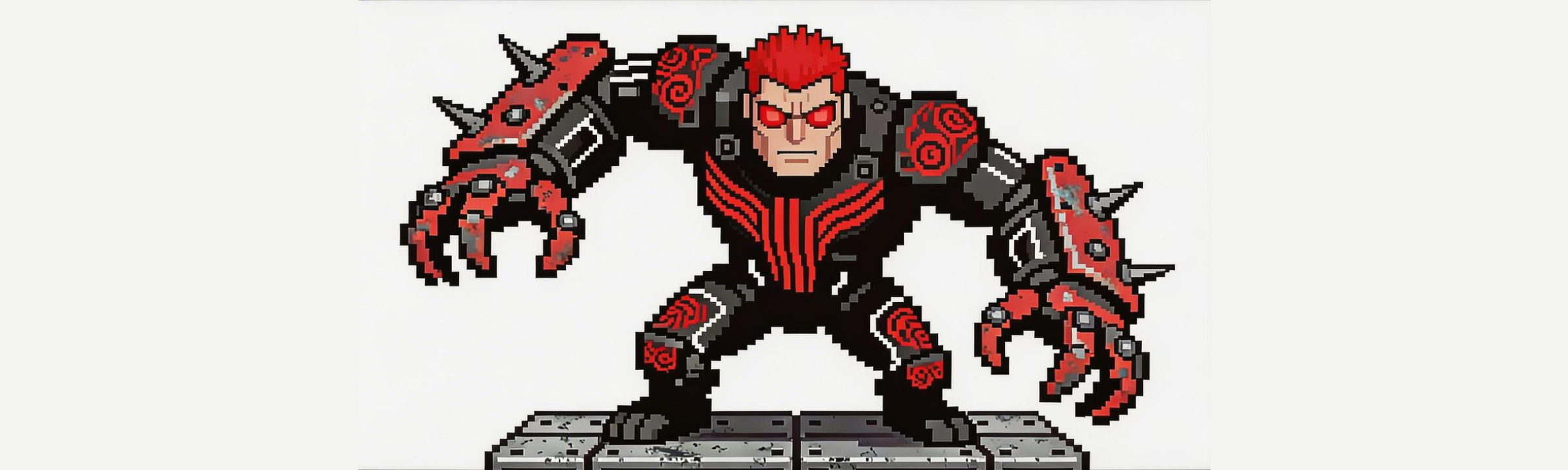
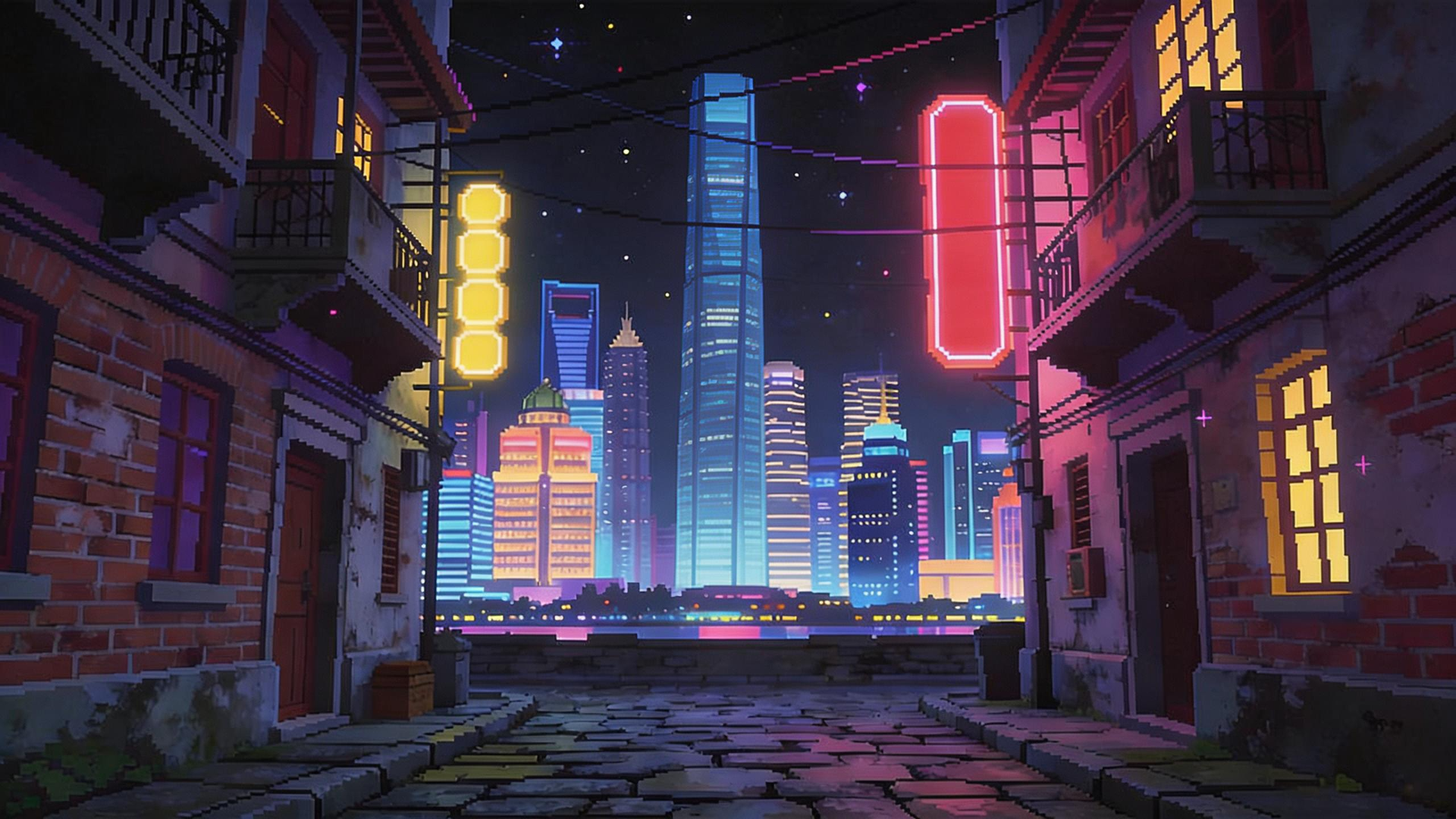

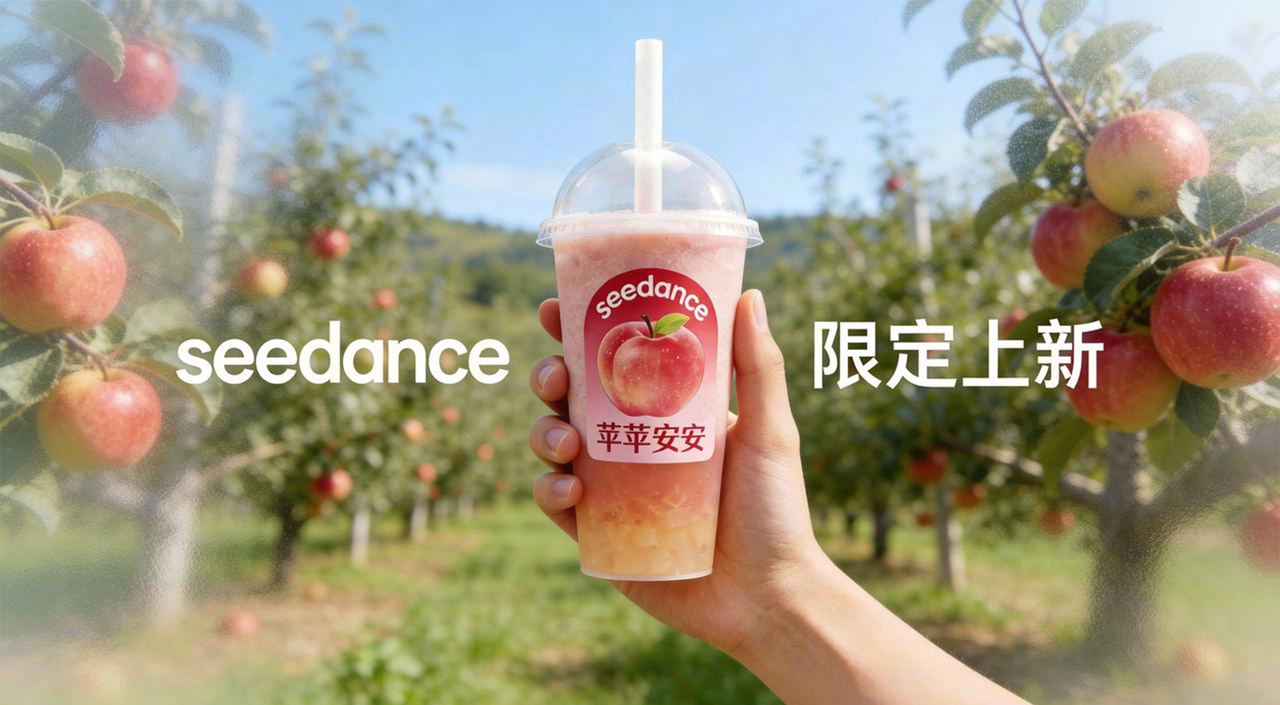
✂️ Video Editing
Precise, targeted modifications without regenerating from scratch:
- Subject Replacement: Replace the main subject while preserving scene composition and background
- Object Add/Remove/Modify: Add, delete, or modify specific objects in the frame
- Inpainting / Repair: Precisely repaint or repair unsatisfying areas in the video

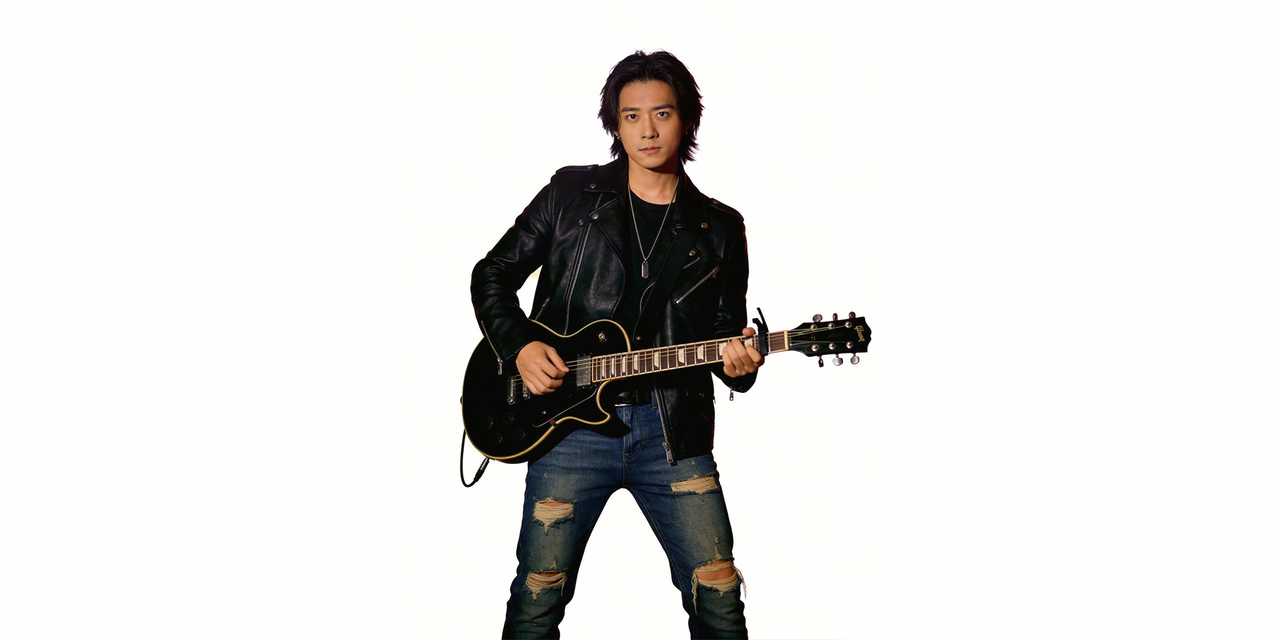
🔗 Video Extension
Seamless narrative continuity — extend your videos beyond a single clip:
- Forward Extension: Continue generating beyond the end of an existing video while maintaining visual and narrative coherence
- Prequel Generation: Generate preceding content for existing videos to fill in the backstory
- Track Completion: Fill in missing transitional segments to create a complete narrative chain
Applicable Scenarios & Use Cases
🎬 Film & Short-Form Content
- Short Films: Precisely execute action, expression, and camera instructions to create cinematic short films
- Trailers & Promos: Use multimodal references to control character appearance and scene style for high-quality promotional content
- Script Visualization: Transform written scripts into visual storyboards with physically accurate motion and consistent materials
📱 Social Media & Marketing
- TikTok/Reels/Shorts: Leverage precise on-screen text generation and camera control to produce high-impact vertical videos
- Product Demos: Realistic physics feedback and material rendering make product showcases more convincing
- Brand Storytelling: Build complete, coherent brand narratives using video extension and prequel generation
- Ad Creatives: Rapidly iterate multiple ad variations with subject replacement and inpainting
🏢 Enterprise & Professional
- Corporate Videos: Precise instruction following ensures brand consistency; improved motion quality delivers professional-grade visuals
- Training Materials: Object add/remove/modify lets you quickly update content in existing videos, reducing maintenance costs
- Pitch Presentations: Transform static proposals into dynamic showcases using image and video references
How to Create Videos with Seedance 2.0
1. Access the Platform
Visit the AIGCVA App Center to access Seedance 2.0.
2. Prepare Your Inputs
Seedance 2.0 supports multimodal input — combine these freely:
- Text prompts: Describe scenes, actions, dialogue, and mood
- Reference images: Define character appearance, style, and composition
- Reference videos: Provide motion and choreography references
- Audio files: Upload speech, music, or sound effects to drive generation
3. Write Your Prompt
Take full advantage of Seedance 2.0's precise instruction following — describe exactly what you want:
A young woman stands in a cafe. The text "Welcome" appears at the center of the frame.
She smiles and picks up a coffee cup. Camera slowly pushes in from wide shot to close-up.
The ceramic texture of the cup and rising steam are clearly visible.
4. Select Video Settings
- Mode: Choose "First & Last Frame" or "Multi-Ref" mode
- Duration: Set 4-15 seconds per scene
- Resolution: Select up to 720p HD output
5. Generate & Continuously Iterate
- Click Generate to create your video
- Not satisfied? Use the generated video as input for the next round of generation and refinement
- Keep iterating — each output can serve as reference material for the next, progressively improving results
- Use video editing and video extension features to make precise adjustments on existing results without starting over
Prompt Tips for Seedance 2.0
Describe Actions & Camera Precisely
✅ Detailed action and camera language:
A martial artist practices in a bamboo forest, a side kick sends fallen leaves scattering.
Camera tilts up from a low angle then pans to a medium frontal shot, sunlight filters through bamboo leaves casting dappled shadows.
❌ Vague description: "A person practices martial arts"
Specify On-Screen Text & Materials
✅ Include text and material details:
A hand picks up a glass of water from the table, the water surface ripples slightly.
City lights reflect off the glass surface. White handwritten text "Good Night" appears at the top-left corner.
❌ Lacking details: "A glass of water on a table"
Reference Best Practices
- Use image references for character appearance and scene style
- Use video references for motion and rhythm
- Combine multiple references for fine-grained control
Seedance 2.0 FAQ
What is Seedance 2.0?
Seedance 2.0 is ByteDance's next-generation AI video generation model. Its core strengths are precise instruction following (actions, expressions, camera movements, and on-screen text are accurately executed), dramatically improved motion (physics-accurate trajectories with fluid natural movement), and ultimate structure & material fidelity (consistent across scenes with near-real-world rendering). It also supports multimodal references, precise video editing, and seamless video extension.
How is Seedance 2.0 different from Seedance 1.5 Pro?
Seedance 2.0 comprehensively surpasses 1.5 Pro in instruction adherence, motion realism, and material rendering. It adds multimodal references (image/video/combined with fine-grained feature preservation), precise video editing (subject replacement, object add/remove/modify, inpainting/repair), and seamless video extension (forward extension, prequel generation, track completion).
What reference input modes are supported?
Seedance 2.0 supports image references, video references, audio references, and combined references. Use reference images for character appearance and scene style, upload video clips for motion and rhythm references, upload speech, music, or sound effects to drive character dialogue and scene atmosphere, or combine multiple reference types for fine-grained control.
What can the video editing feature do?
Video editing supports precise, targeted modifications: subject replacement (swap the main subject while preserving the background), object add/remove/modify (add, delete, or modify specific objects), and inpainting/repair (precisely repaint unsatisfying areas).
How does video extension work?
Video extension supports three modes: forward extension (continue generating beyond the end of existing video), prequel generation (generate preceding content to fill in backstory), and track completion (fill in transitional segments for a complete narrative). All extensions maintain visual and narrative coherence.
Is Seedance 2.0 free to use?
Seedance 2.0 provides free usage quota on the AIGCVA platform. Registered users receive free generation credits. High-frequency users can subscribe to membership for additional quota.
Can generated videos be used commercially?
Yes, videos generated through the AIGCVA platform support commercial use. Please refer to the platform's terms of service for specific commercial terms.
Seedance 2.0 Technical Advantages Summary
Seedance 2.0 represents a comprehensive upgrade in AI video generation:
- Precise Instruction Following: Actions, expressions, camera movements, and on-screen text are accurately executed
- Dramatically Improved Motion: Trajectories follow real-world physics with realistic weight and resistance
- Ultimate Structure & Material Fidelity: Consistent structures across scenes with near-real-world lighting, reflections, and transparency
- Multimodal References: Image, video, audio, and combined references with fine-grained feature preservation
- Precise Video Editing: Subject replacement, object add/remove/modify, inpainting and repair
- Seamless Video Extension: Forward extension, prequel generation, and track completion
- Free to Start: Lowering the barrier to professional AI video creation for everyone
Start Creating with Seedance 2.0
Experience ByteDance's revolutionary AI video generation technology:
🎬 Try Seedance 2.0 for Free Now