
GPT Image 2.5 (ChatGPT Images 2.5) AI Image Generator
GPT Image 2.5 is OpenAI's latest image generation and editing model family, officially released on September 8, 2026 (product name ChatGPT Images 2.5). It ships two API models — GPT Image 2.5 Flare (
gpt-image-2.5-flare) for speed and GPT Image 2.5 Sunburst (gpt-image-2.5-sunburst) for quality. Versus GPT Image 2 it delivers sharper details, more precise multi-turn editing, stronger subject preservation, native transparent backgrounds, custom output up to 4K, and generation latency reduced by up to 50%.
Use cases: Product Cutouts | Brand Logos | Fashion Campaigns | Infographics | UI Mockups | Multi-panel Comics | Exact In-image Text | Multi-turn Photo Edits
Try GPT Image 2.5 for Free Now · Minimum 2 VA Coins per generation (about 2 cents). Sign up and get 32 VA Coins.
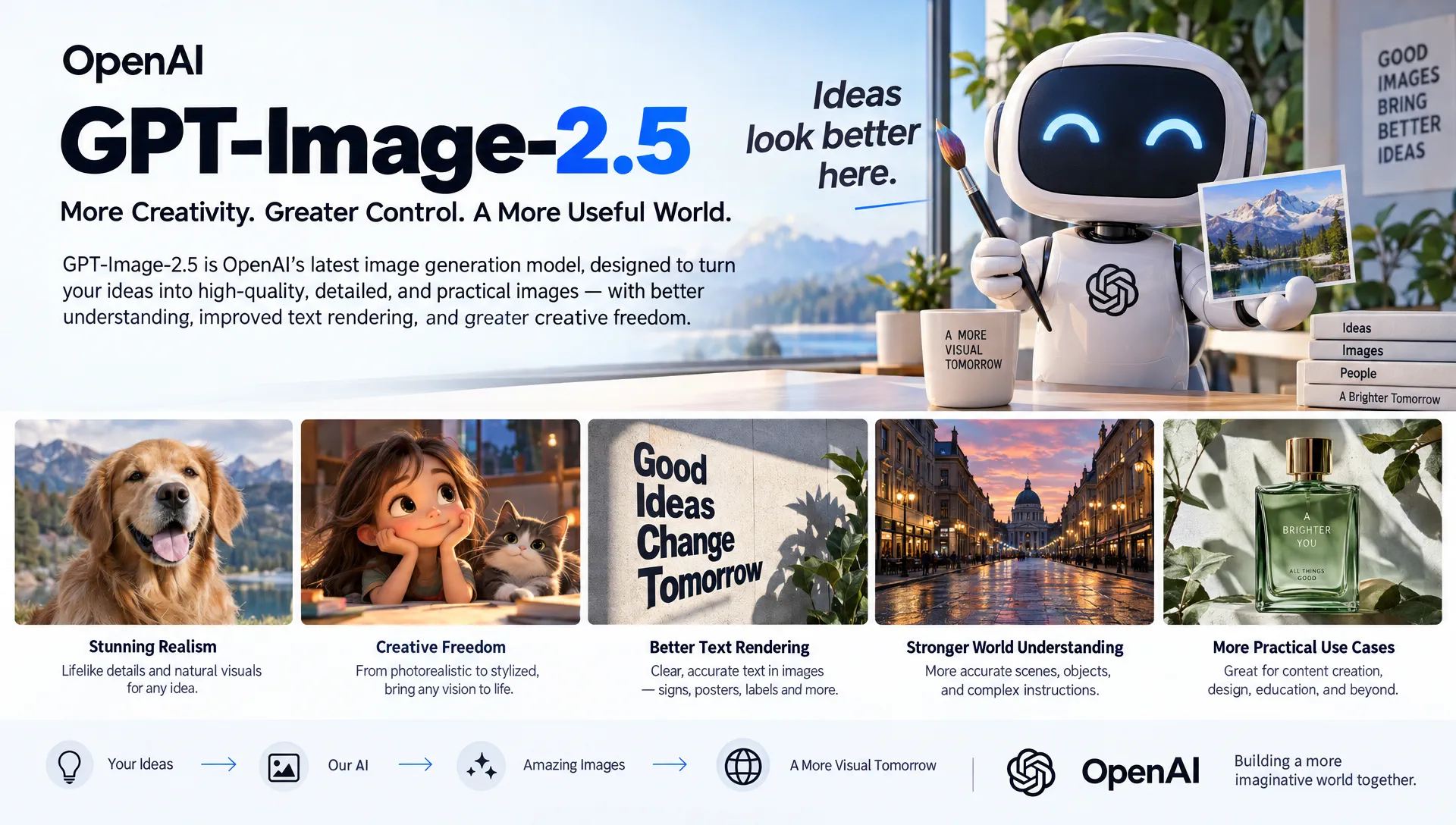
About GPT Image 2.5
GPT Image 2.5 is OpenAI's September 2026 multimodal image update. In ChatGPT the experience is branded ChatGPT Images 2.5. In the API it is two models with dated snapshots from September 8, 2026:
gpt-image-2.5-flare— the small, very fast model for everyday and high-volume generationgpt-image-2.5-sunburst— the base model for quality-first, precision editing workflows
OpenAI positions Images 2.5 around four upgrades over Images 2.0:
- Speed: generation latency reduced by up to 50%
- Fidelity: more natural lighting, richer textures, sharper fine detail
- Preservation: reference subjects, faces, products, and layouts stay more stable across edits
- Control: editing instructions follow more reliably turn after turn, including transparent assets
AIGCVA has integrated both gpt-image-2.5-flare and gpt-image-2.5-sunburst. No OpenAI account, no API key — open the AIGCVA App Center and start creating with Flare.
GPT Image 2.5 Core Features
⚡ Flare and Sunburst — Two Models, One Workflow
GPT Image 2.5 is not a single speed setting. It is two complementary models:
- Flare (speed): default choice for social posts, product drafts, visual search, rapid prototyping, and batch generation. Image quality is in the GPT Image 2 class, with much lower latency.
- Sunburst (quality): choose it when GPT Image 2 still falls short on complex layouts, identity lock, product geometry, or dense text. Generation takes longer; editing precision is the priority.
- Practical rule: draft on Flare; if identity, labels, or local edits still drift, switch the same prompt and references to Sunburst.
- Shared surface: both accept text and image inputs, support generation and editing, and share quality, size, and transparent-background controls.
🎯 Precise Multi-Turn Editing
Describe the change and list what must not move:
- Change only X: swap an outfit, translate labels, or replace a background without rewriting the whole frame
- Preserve identity: lock face, skin tone, hairstyle, pose, and body geometry while changing clothes or props
- Product lock: keep silhouette, materials, and label text intact across lifestyle shots
- Layout lock: translate infographic copy while keeping icons, arrows, and composition
- Iterate one step at a time: pass the previous output back in, request a single change, and restate the constraints
🪪 Subject Preservation from Reference Photos
Upload a person, product, garment, or scene and assign each image a role:
- Subject reference: keep the person or product recognizable
- Style reference: borrow palette, medium, or texture
- Clothing / prop reference: dress the subject without pasting artifacts
- Scene reference: place the subject into a new environment with matched lighting
- Best for: lookbooks, SKU series, character sheets, and campaign variants that must stay on-model
🪟 Native Transparent Backgrounds
GPT Image 2.5 natively outputs true alpha transparency — not a drawn checkerboard:
- Logos and marks: clean vector-like silhouettes with padding, ready for brand kits
- Product cutouts: isolate SKUs for e-commerce, stickers, and compositing
- Export: use PNG or WebP so the alpha channel survives; JPEG cannot store transparency
- Follow-up edits: restating “keep the transparent background” on every turn prevents a solid backdrop from coming back
✍️ Exact Text, Diagrams, and Interface Previews
GPT Image 2.5 is built for images that have to read, not just look good:
- Quoted copy: put required wording in quotes, say how many times it should appear, and ban extra text
- Infographics: process diagrams, biology handouts, and labeled flows with readable arrows
- Slides and charts: pitch-deck frames with real numbers, hierarchy, and footnotes
- UI mockups: app screens that look shipped — spacing, type, and components instead of concept-art chrome
- Comics: panel-by-panel beats with consistent characters and clear actions
🖼️ Custom Resolution up to 4K
Cover every channel without a separate upscaler:
- Common sizes: 1024×1024, 1536×1024, 1024×1536, 2048×2048 (2K square), 2048×1152 (2K landscape), 3840×2160 (4K landscape), 2160×3840 (4K portrait)
- Custom
WIDTHxHEIGHT: each edge a multiple of 16, no longer than 3840 px, aspect ratio within 3:1 - Quality ladder:
auto(default),low,medium,high,xhigh,max— raise quality for small text and dense diagrams; drop it once the look is accepted - Watermark-free export: outputs on AIGCVA are watermark-free and ready for commercial use within applicable terms
GPT Image 2.5 Examples
The images below show local edits that leave the rest of the frame alone, plus layouts that have to stay readable.
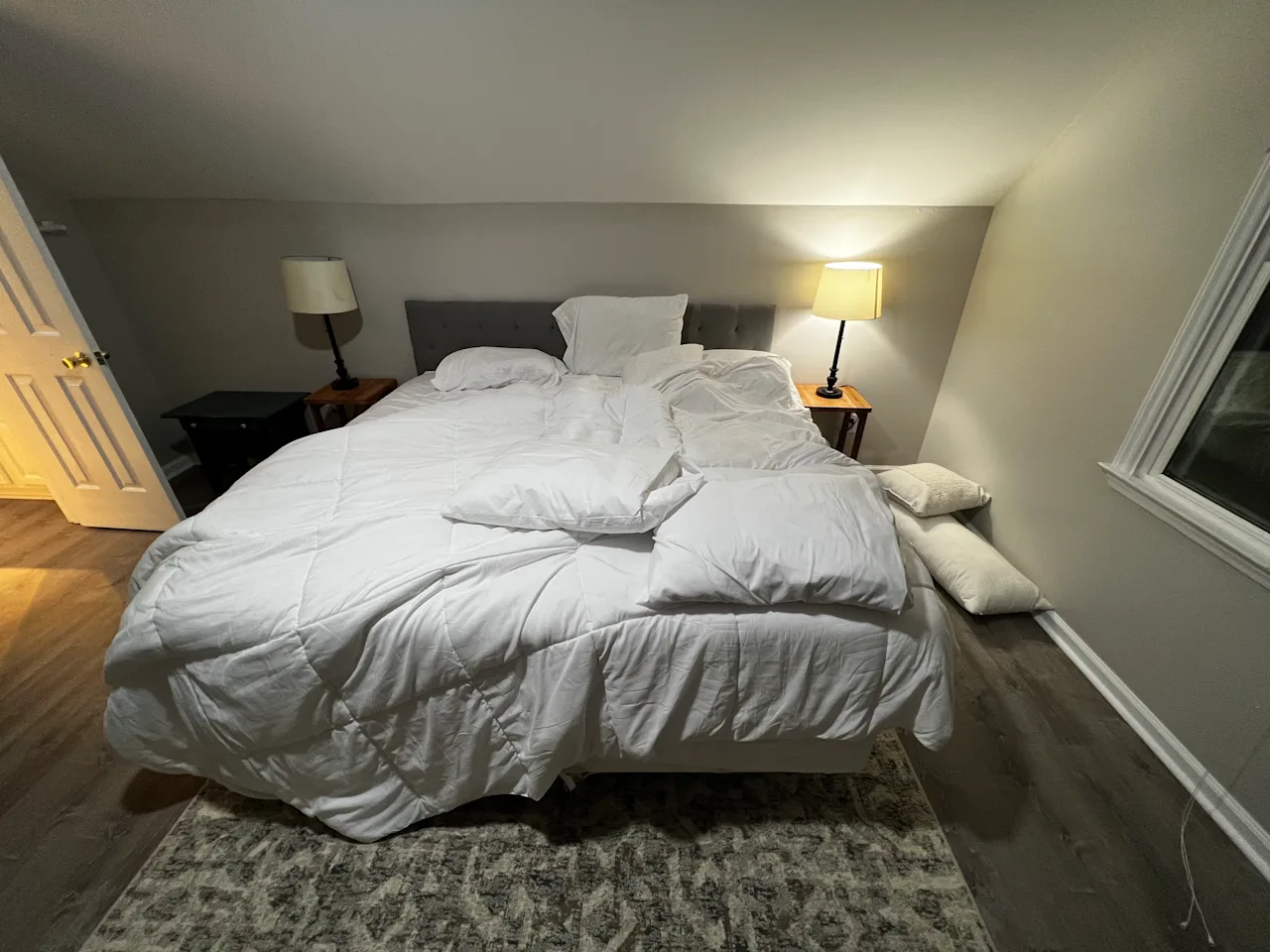
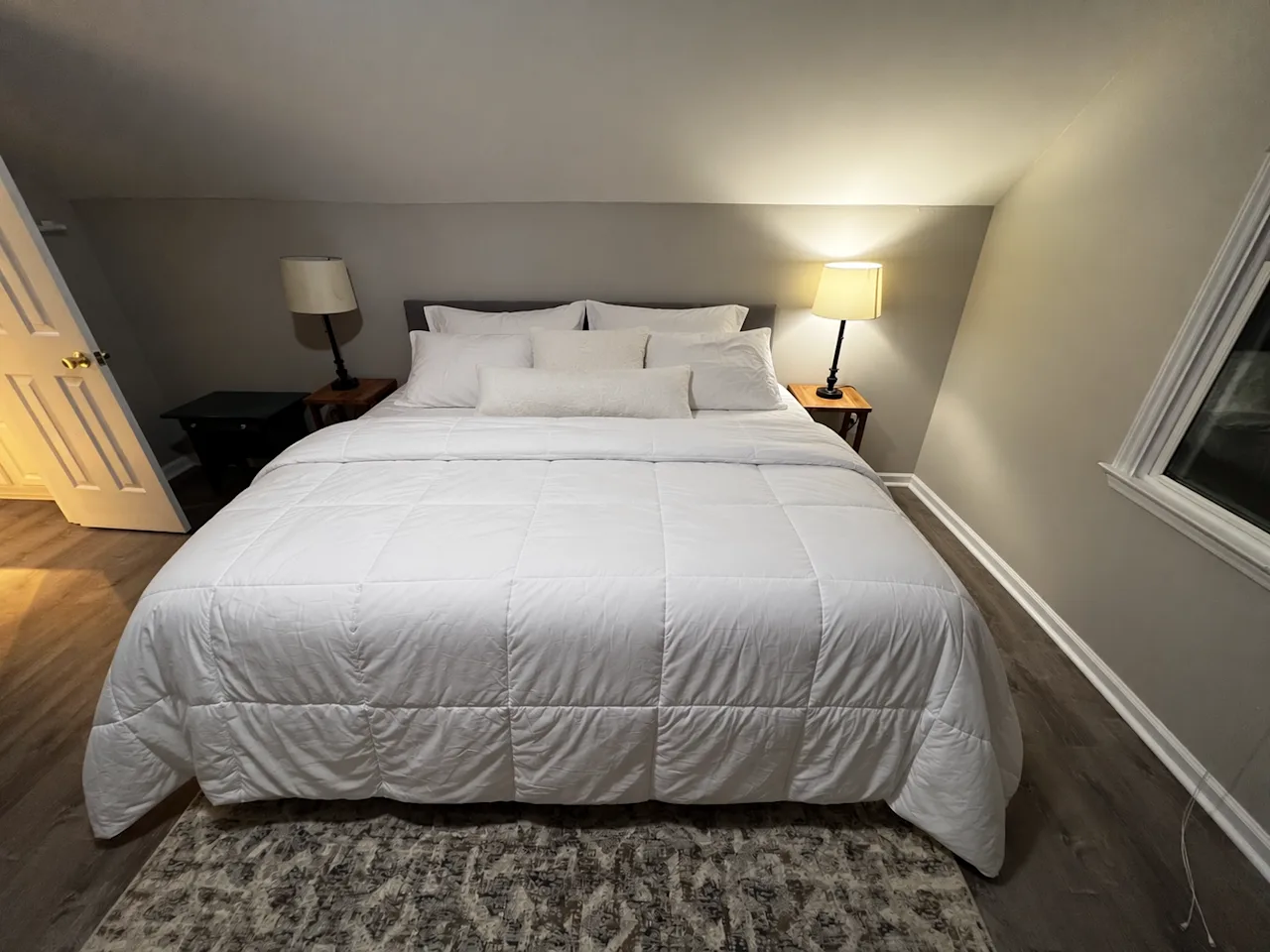
Change only what you ask for
Make the bed: the duvet and pillows go from rumpled to neat, while the room, lamps, and framing stay put.
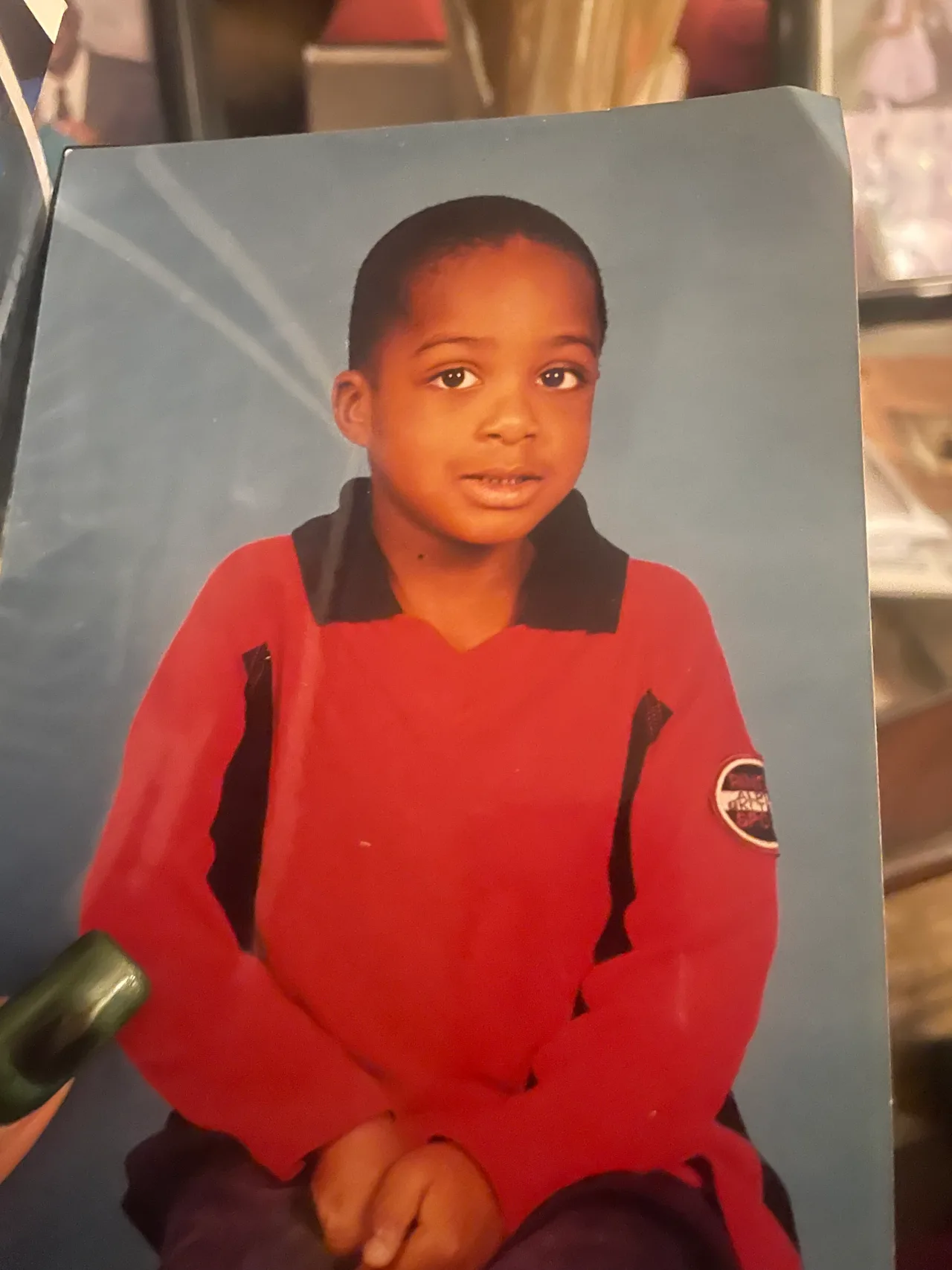
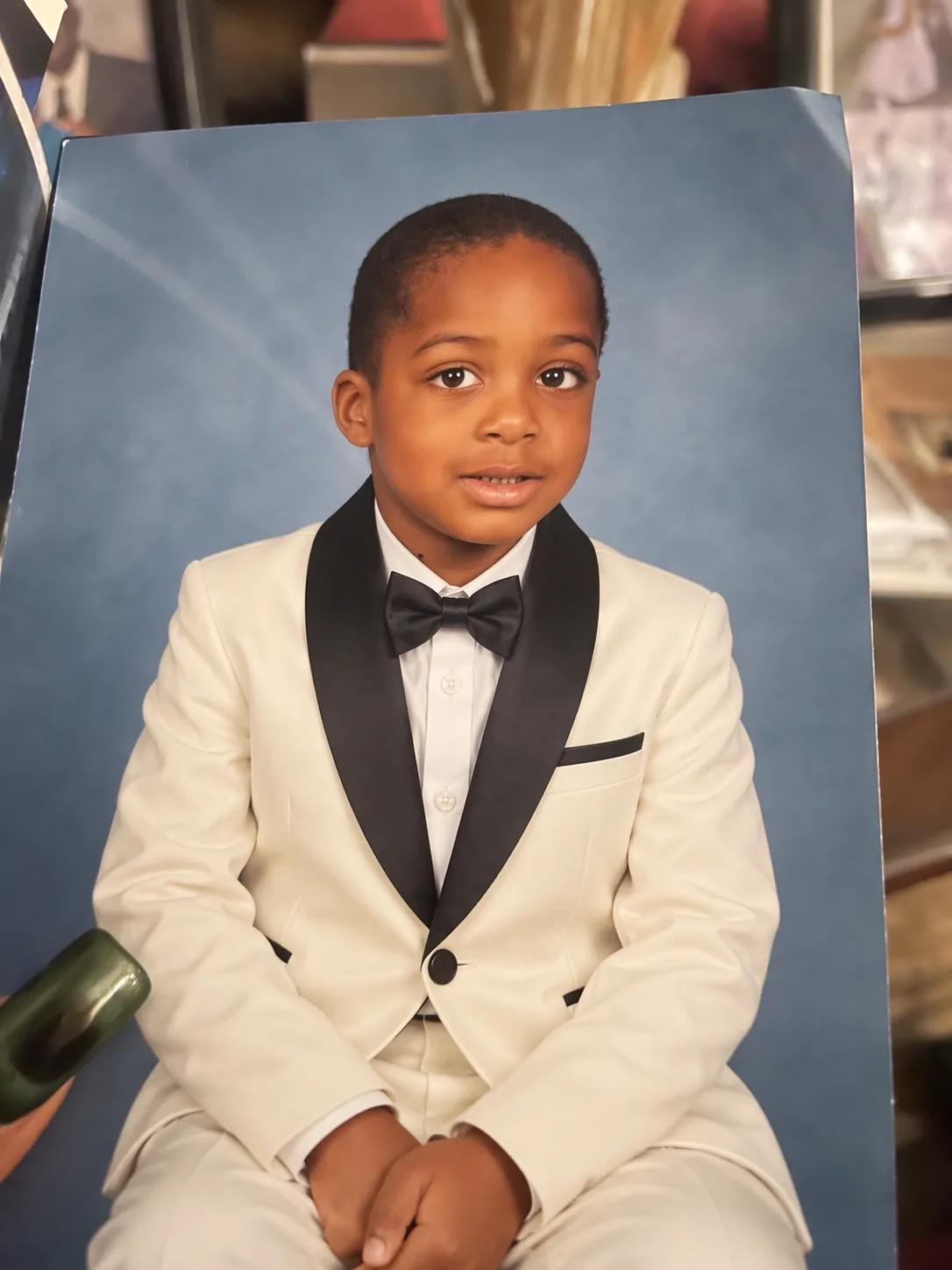
Change the outfit: a studio portrait of a child goes from a red top to an ivory evening jacket and black bow tie. The pose and blue backdrop stay the same.
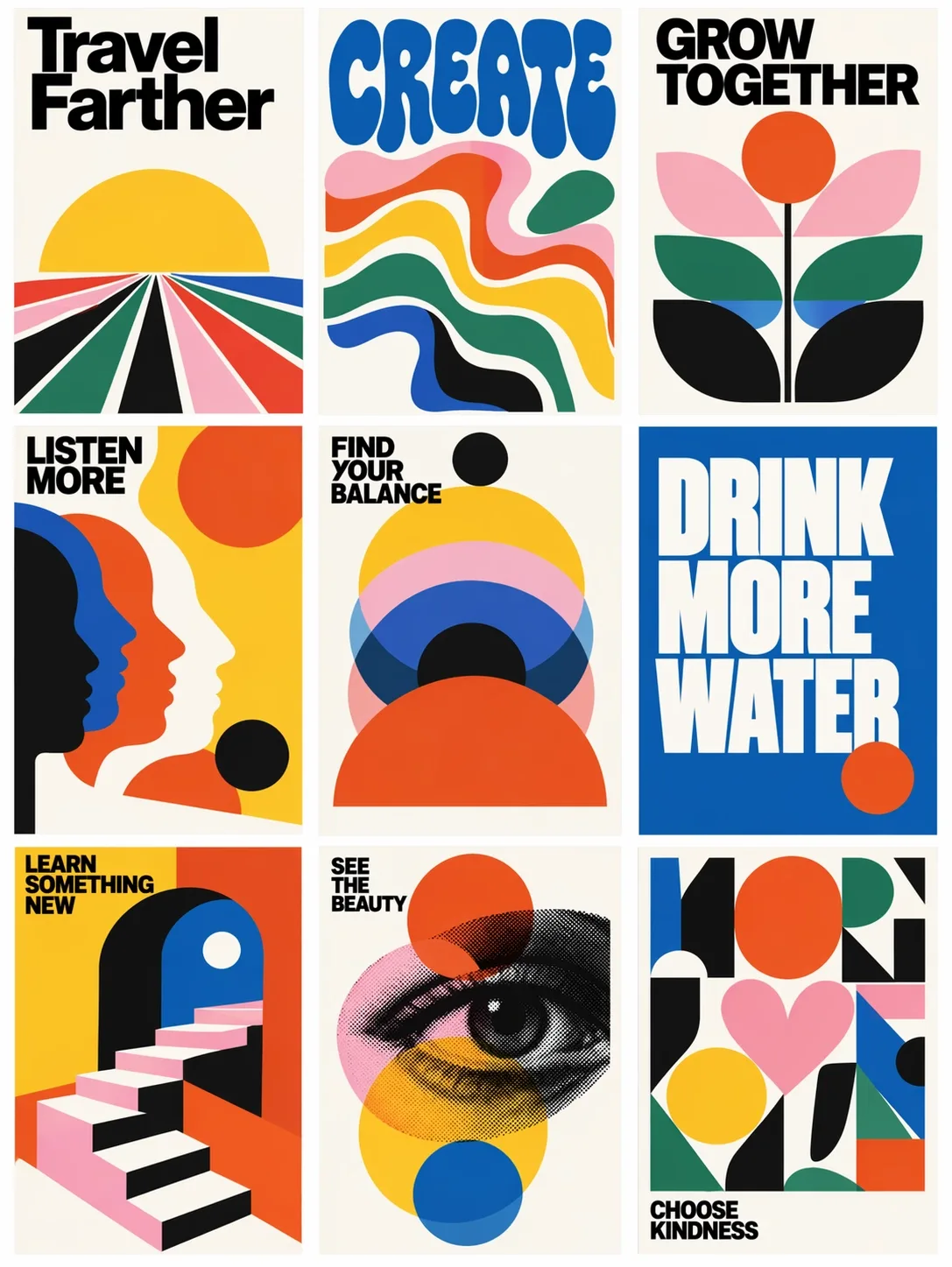
Style, type, and layout
Nine mid-century modern posters, with bold headlines and geometric illustrations in one grid.
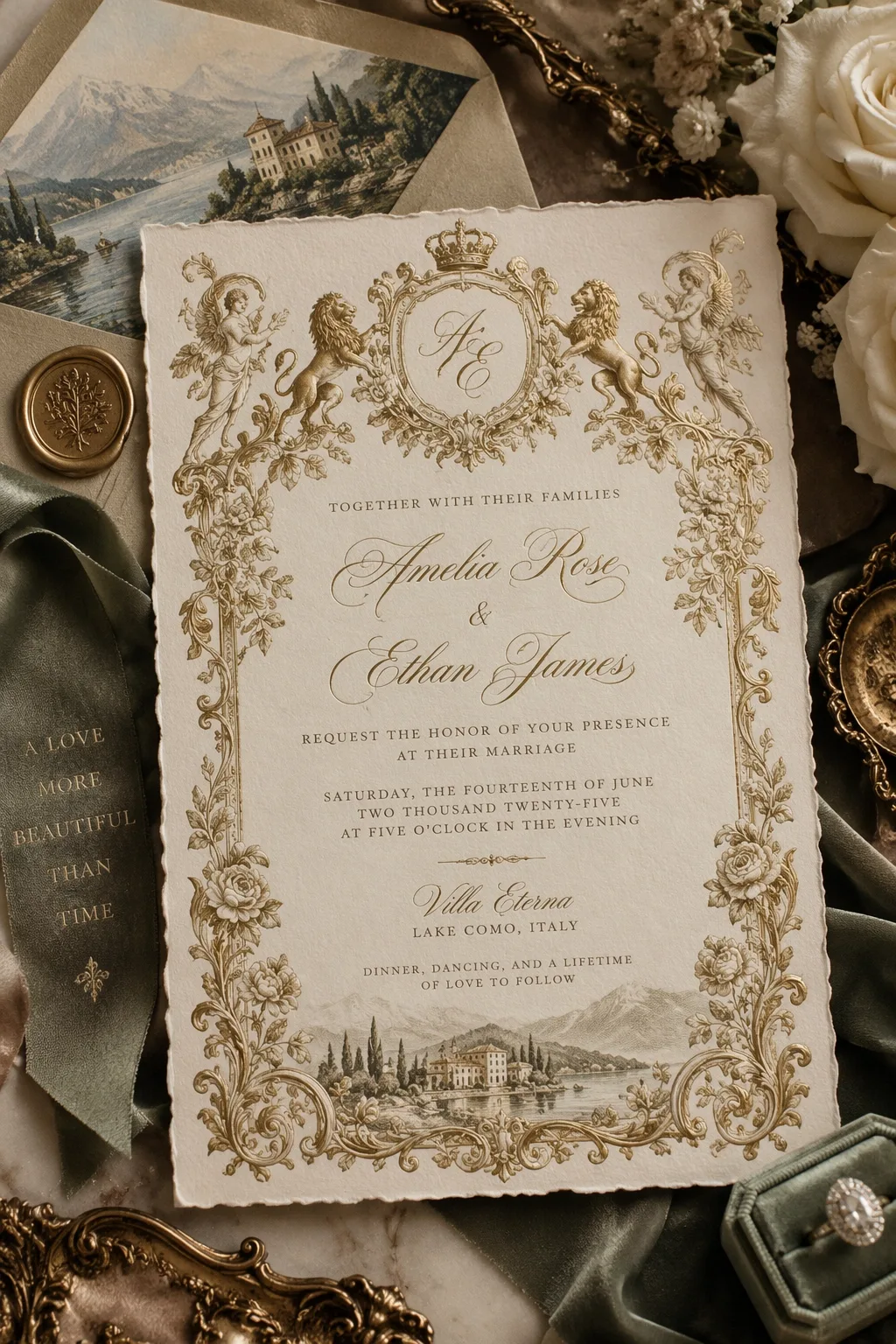
A cream-and-gold wedding invitation with a monogram, floral border, and a lake illustration.
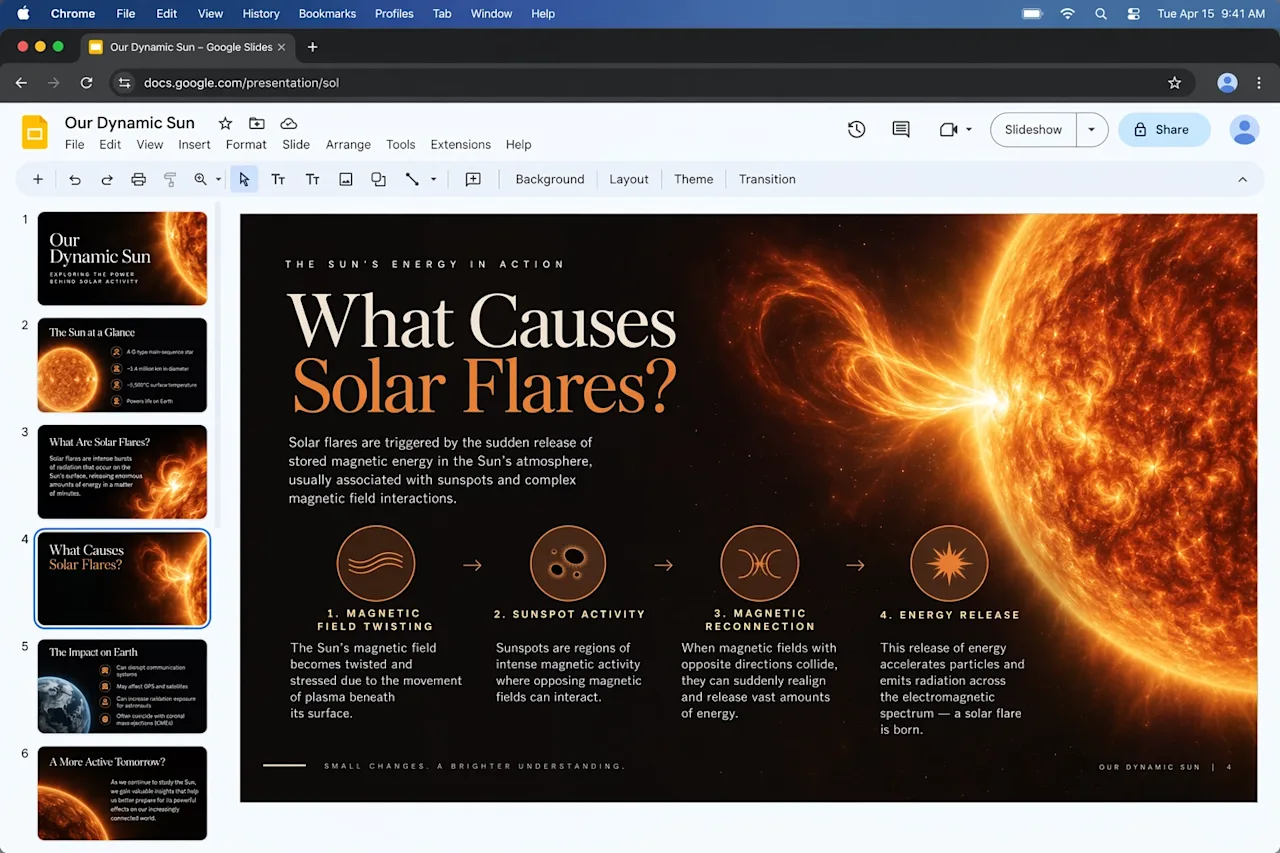
A slide explaining how solar flares form, with a sun image and a four-step diagram.
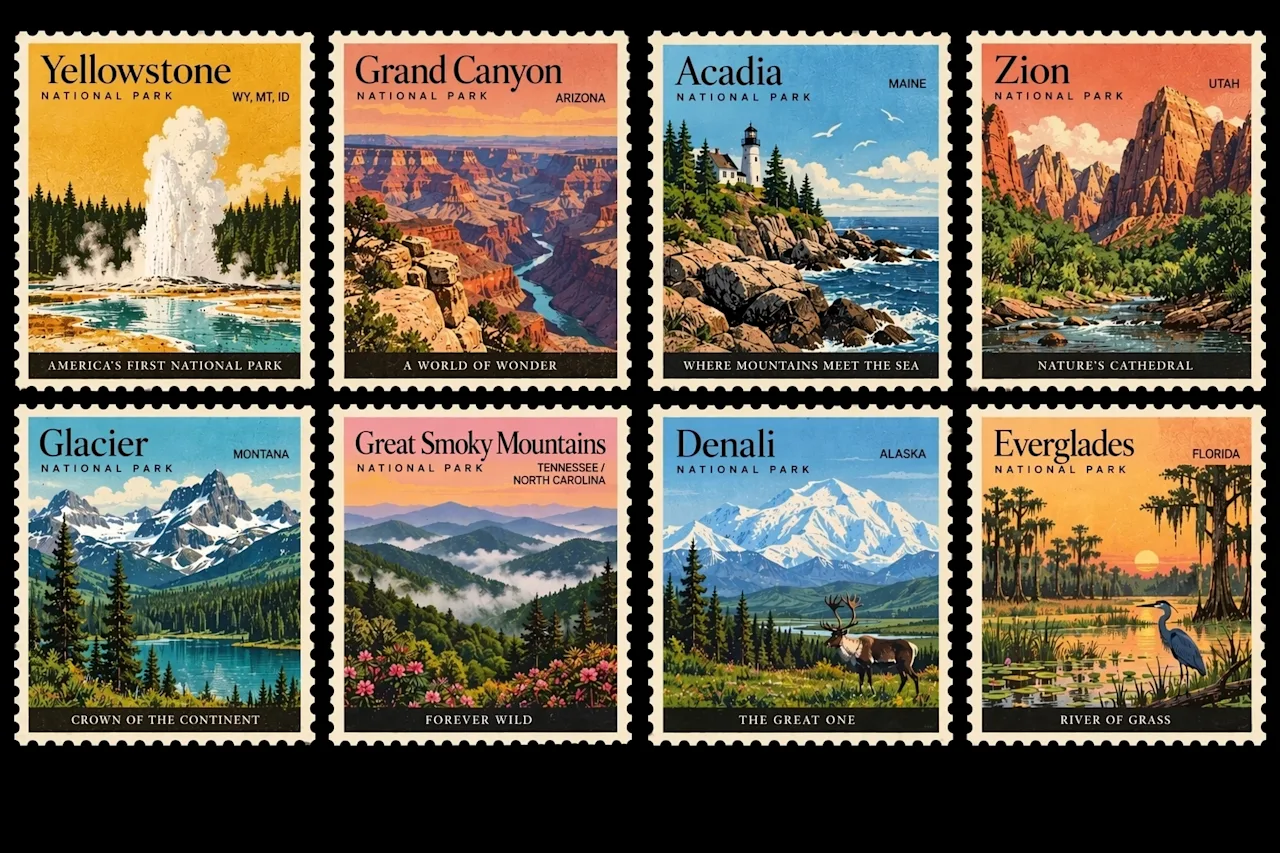
Eight vintage stamps, each showing a different national park.
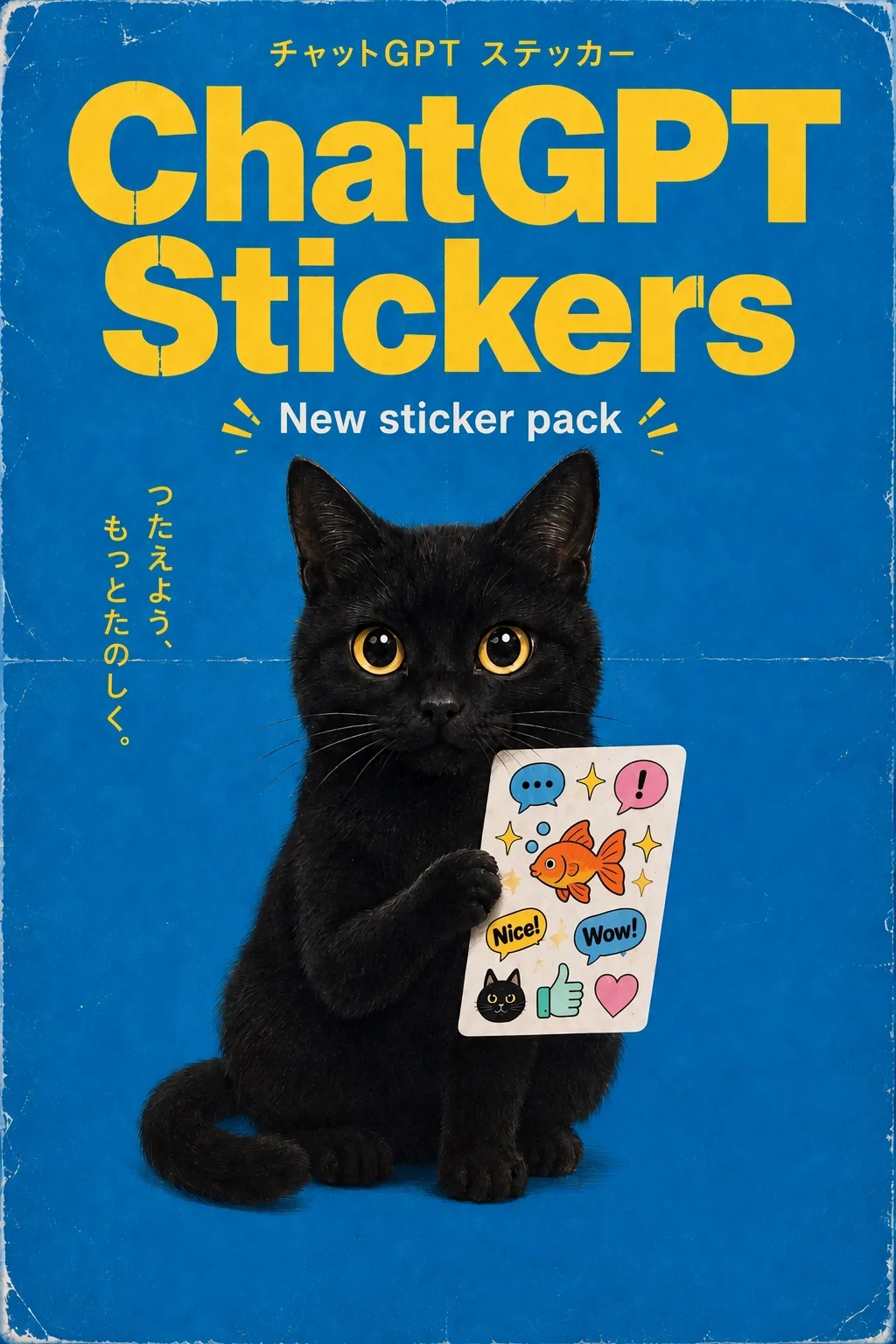
A blue poster of a black cat holding a sheet of colorful stickers, headlined “ChatGPT Stickers.”
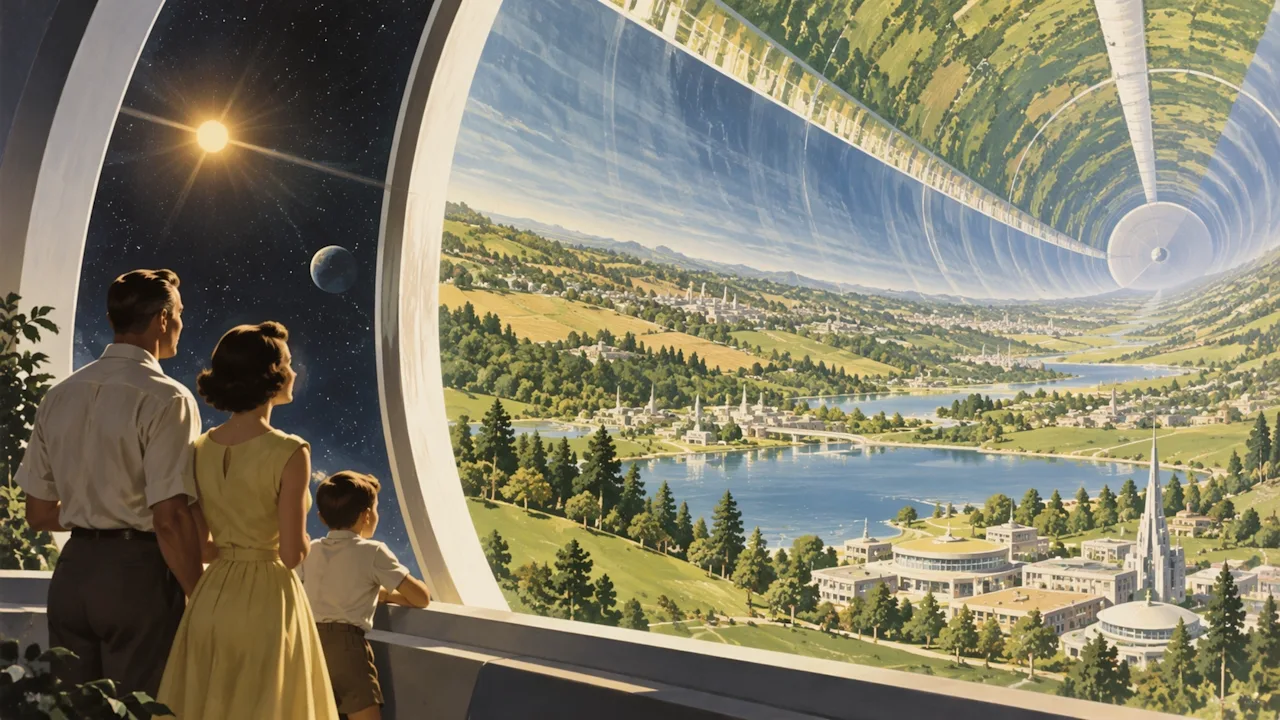
A 1950s-style illustration of a family looking up at a cylindrical space habitat filled with greenery and future buildings.
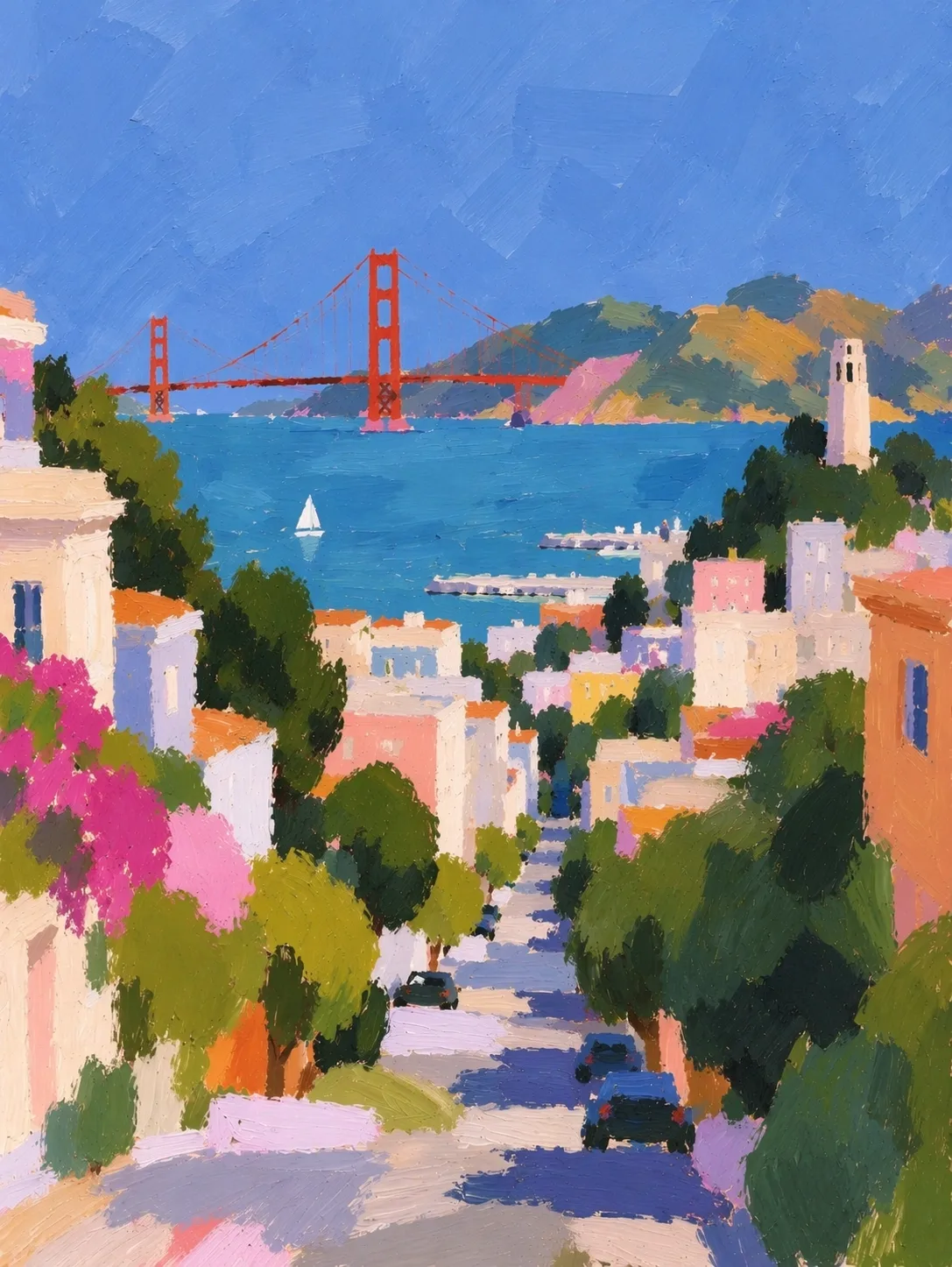
An impressionist cityscape: a street of colorful houses and trees running down toward the bay and a bridge.
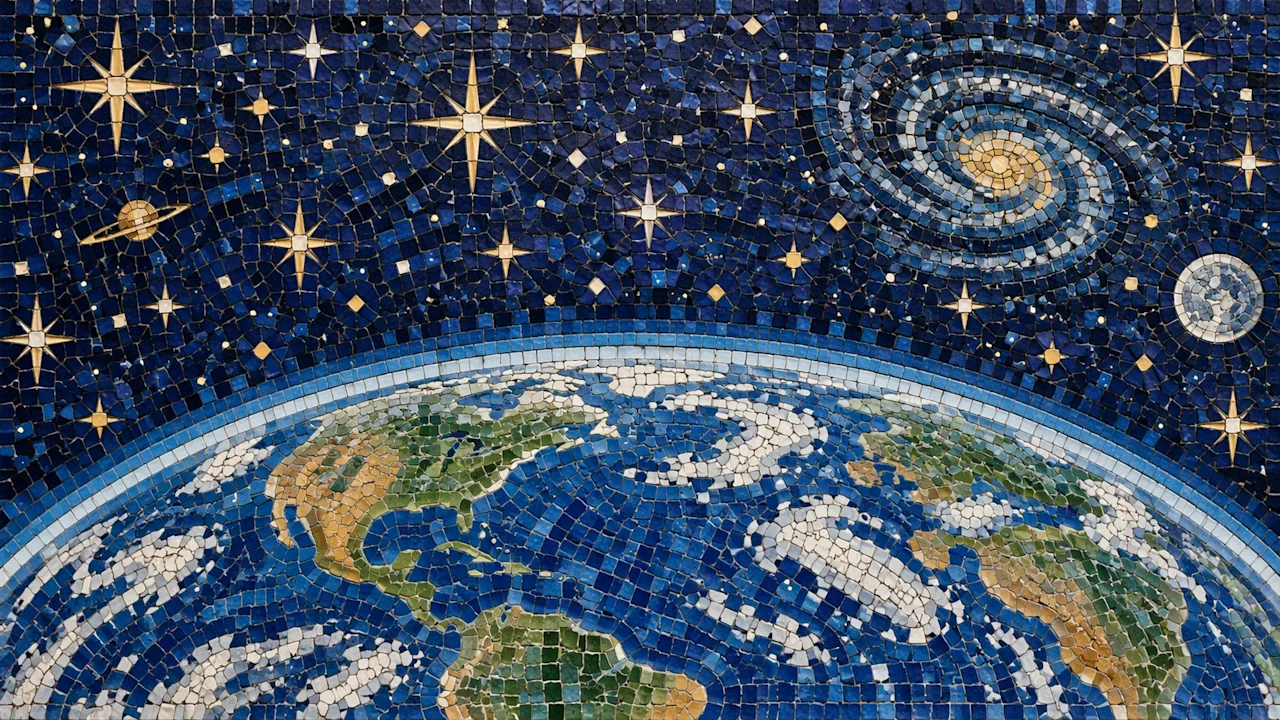
A blue-and-gold tile mosaic of Earth under stars, planets, and galaxies.
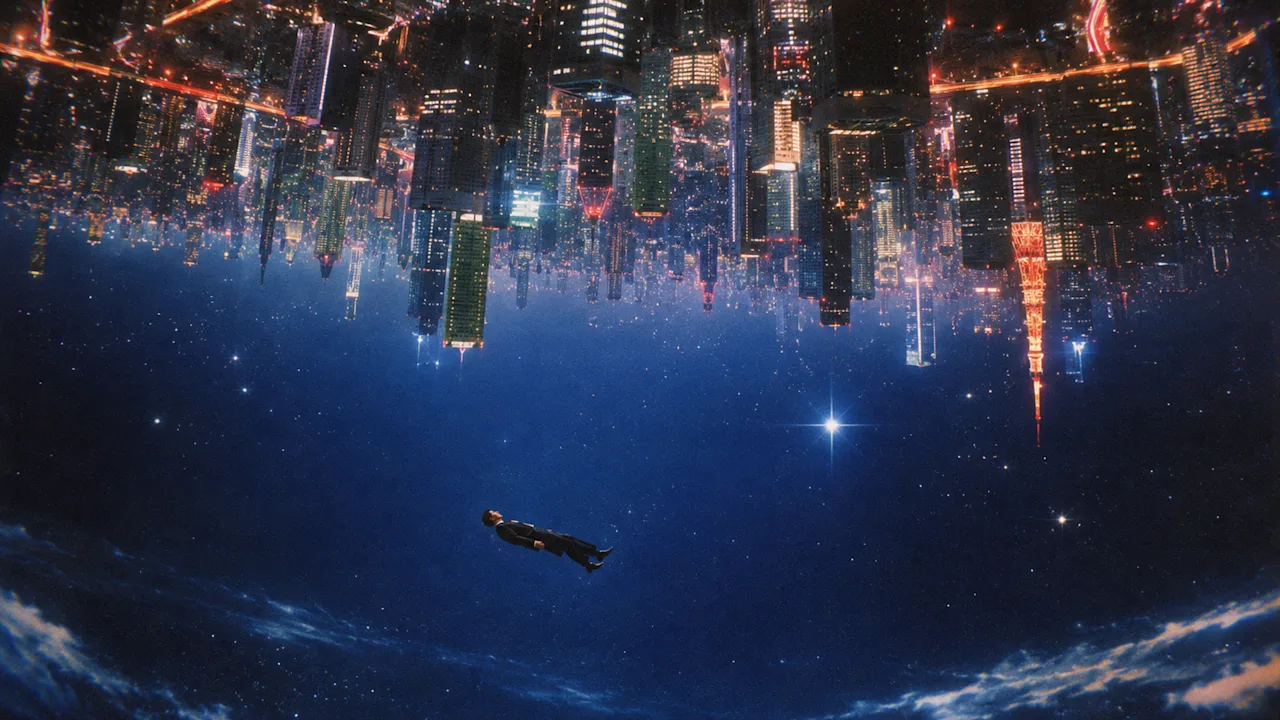
A person floating in a star field, with an inverted future city hanging overhead.
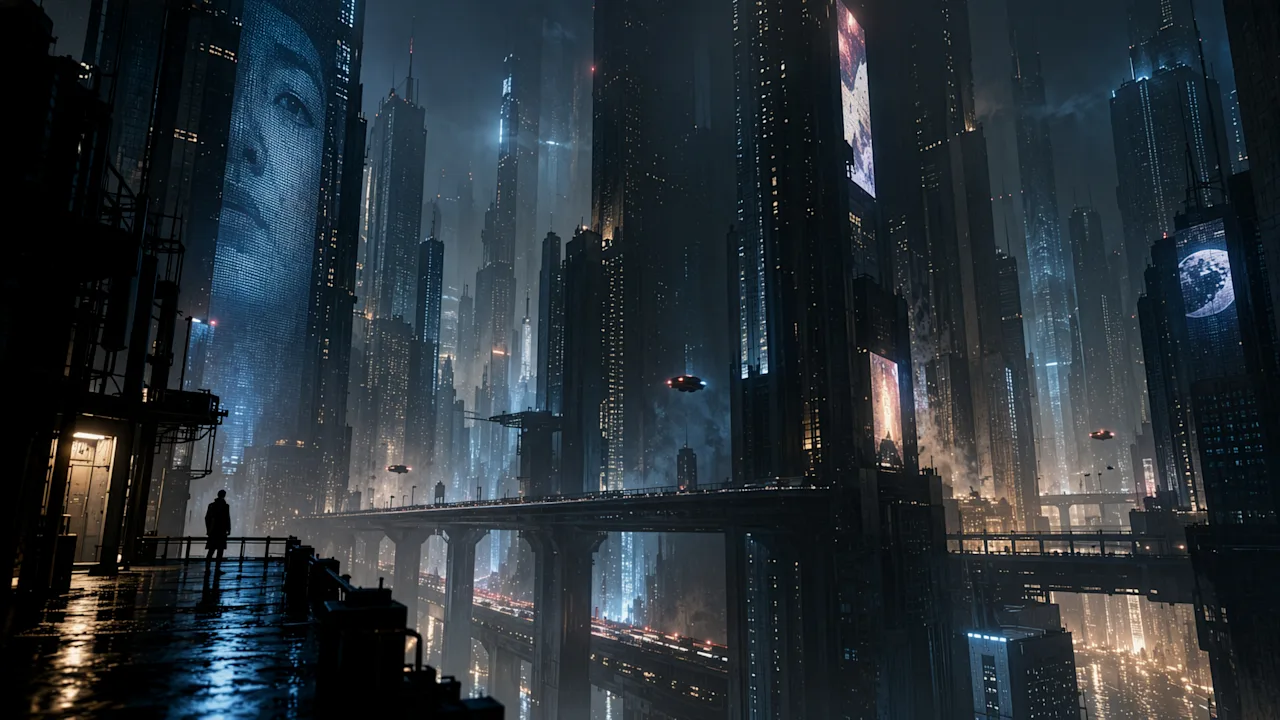
A wet balcony overlooking a neon future city.
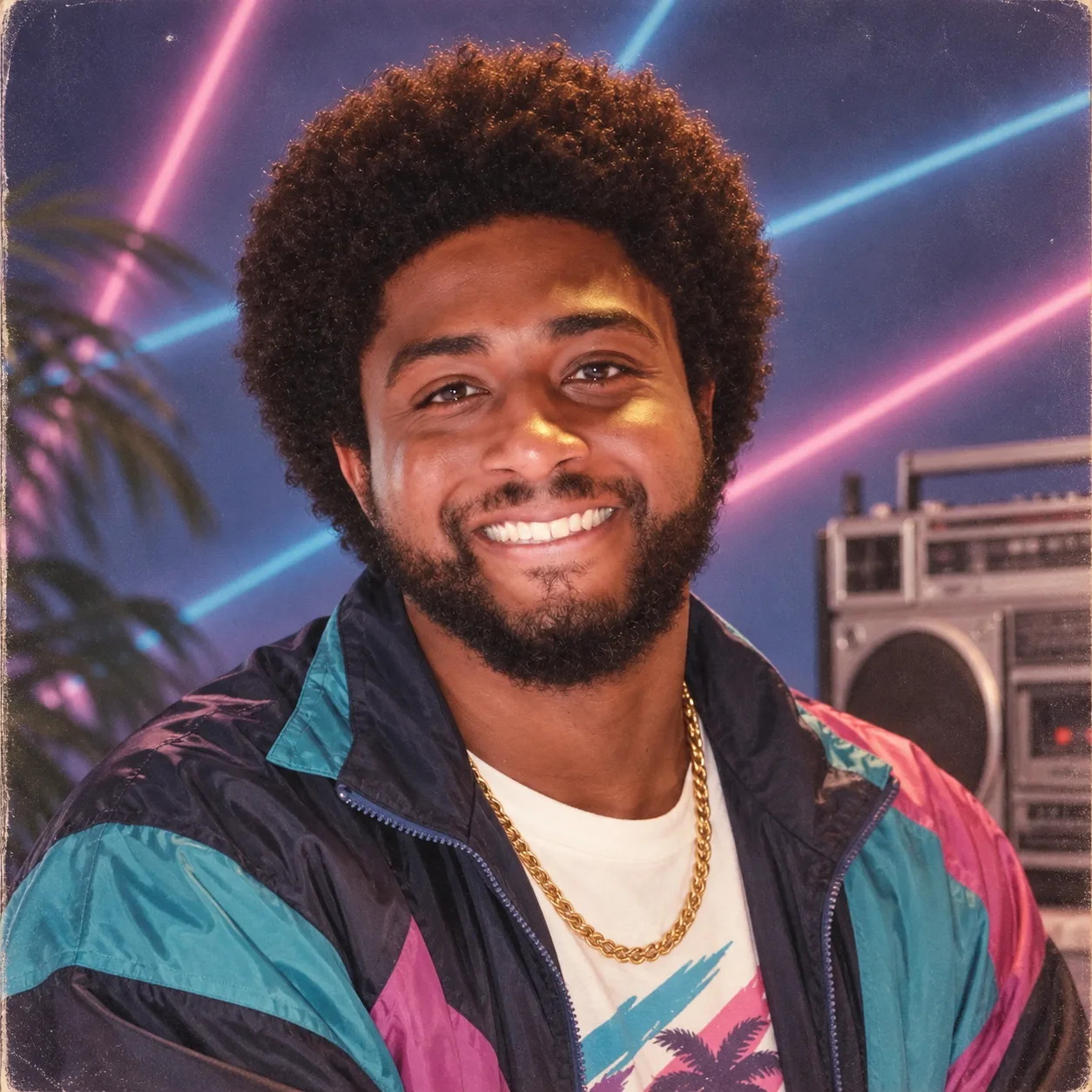
A 1980s-style portrait: a color-blocked windbreaker, a gold chain, and neon lights.
GPT Image 2.5 Flare vs Sunburst vs GPT Image 2
| Capability | GPT Image 2 | GPT Image 2.5 Flare | GPT Image 2.5 Sunburst |
|---|---|---|---|
| Official role | Previous-gen all-rounder | Speed / everyday volume | Quality / precise editing |
| API model | gpt-image-2 | gpt-image-2.5-flare | gpt-image-2.5-sunburst |
| Latency vs GPT Image 2 | Baseline | Up to 50% lower | Longer than Flare |
| Image quality | Strong | GPT Image 2 class, faster | Higher than GPT Image 2 |
| Multi-turn edit reliability | Good | Improved | Best |
| Reference subject lock | Good | Improved | Best |
| Transparent background | Limited | Native alpha | Native alpha |
| Quality settings | Standard | auto / low / medium / high / xhigh / max | auto / low / medium / high / xhigh / max |
| Max output | 2K native / 4K optional | Custom up to 4K (3840 px) | Custom up to 4K (3840 px) |
| Aspect ratio | 3:1 to 1:3 | 3:1, custom WxH | 3:1, custom WxH |
| Commercial use on AIGCVA | Watermark-free | Watermark-free | Watermark-free |
Official-Style Showcase Scenes
These are the workflows OpenAI highlights for GPT Image 2.5 — all available on AIGCVA:
🛍️ Transparent Product Cutout
Isolate a product on a true transparent background. Preserve geometry and label text, with clean alpha edges and no halo.
👕 Identity-Preserving Outfit Swap
Keep face, pose, and lighting; change only the garments from clothing references. Ideal for lookbooks and virtual try-on drafts.
📊 Infographic and Process Diagram
Explain a machine, a biological pathway, or a market slide with labeled parts, arrows, and readable type.
📱 App UI Mockup
Describe a real interface — header, list, hierarchy, type — so the result looks like a shipped screen, not a poster.
📚 Multi-Panel Comic
One vertical strip, one visual beat per panel, consistent characters, no leftover prompt text in the balloons.
GPT Image 2.5 Use Cases
📱 Advertising and Marketing
- Campaign key visuals, social posts, and merch mockups
- Streetwear and fashion ads with exact taglines
- Poster and flyer layouts with quoted headlines
🛍️ E-commerce and Product Visuals
- Transparent PNG cutouts for detail pages and ads
- Lifestyle shots that keep SKU geometry consistent
- Background swaps and canvas sizes for every marketplace
🎨 Brand and Visual Design
- Logo variations on transparent backgrounds
- Infographics, pitch slides, and educational diagrams
- Style transfer while locking composition
🎬 Content and Character Work
- Comic reels and storyboards
- Character-consistent scene changes
- Cover art, thumbnails, and UI concept frames
How to Use GPT Image 2.5 on AIGCVA
1. Open the AIGCVA App Center
Open GPT Image 2.5 Flare, or open GPT Image 2.5 Sunburst.
2. Choose the Model
- Flare: first choice for speed, drafts, and volume
- Sunburst: switch here when the same prompt still misses identity, tiny text, or local edits
3. Write an Effective Prompt
Organize complex jobs as scene, subject, details, and constraints:
[Deliverable] + [Subject] + [Style / lighting] + [Composition] + [Quoted in-image text] + [What must not change]Example prompt:
A commercial product photograph of a matte glass serum bottle, three-quarter view,
soft window light from the left, gentle specular highlights on the glass,
pale stone surface, shallow depth of field.
Render the label text exactly once: "AURORA SERUM".
No extra text, no watermark, no logo besides the bottle label.
Photorealistic, natural materials, 2K, commercial photography
4. Upload Reference Images (optional)
- Number each input in the prompt: image 1 = subject, image 2 = style, image 3 = clothing
- Say what should move where, and what must stay identical
- Clear, well-lit references with a prominent subject lock more reliably
5. Tune Parameters
- Quality: start at
mediumorhigh; usexhigh/maxonly when small text or fine materials still fail - Size: pick a preset or a custom ratio within 3:1, up to 4K
- Background:
transparentfor logos, stickers, and cutouts; otherwiseopaque - Format: PNG or WebP when you need alpha
6. Iterate with Natural Language
Keep the last image as input and change one thing:
- "Change only the jacket to the cream trench from image 2. Do not change her face, hair, pose, or lighting."
- "Translate the infographic labels to Spanish. Do not change layout, icons, or colors."
- "Keep the transparent background. Tighten the silhouette. No drop shadow."
- "Same character as before, panel 3 only: she sits by the door as if nothing happened."
GPT Image 2.5 Prompt Optimization Tips
✅ Name the deliverable
- ❌ A nice picture of coffee
- ✅ A labeled infographic that shows how an automatic coffee machine flows from beans to cup, for a product manual
✅ Quote in-image text exactly once
- ❌ Some slogan on the poster
- ✅ Render the tagline "Yours to Create." exactly once, clearly, integrated into the layout. No extra text.
✅ Separate the edit from the lock list
- ❌ Make it better and keep it similar
- ✅ Change only the clothing. Do not change face, skin tone, body shape, pose, camera angle, or background.
✅ Assign a role to every reference
- ❌ Use these images
- ✅ Image 1 is the person to preserve. Image 2–4 are clothing only. Fit the garments to her existing pose.
✅ Raise quality for dense type, then step down
- Diagrams, slides, and small labels →
highor above - Simple portraits and style sketches →
mediumon Flare is usually enough
Frequently Asked Questions
What is GPT Image 2.5?
GPT Image 2.5 is OpenAI's image generation and editing update released on September 8, 2026. The consumer product name is ChatGPT Images 2.5. Developers get two API models — gpt-image-2.5-flare for speed and gpt-image-2.5-sunburst for higher-fidelity, precision-focused work.
How should I choose between Flare and Sunburst?
Start with GPT Image 2.5 Flare for everyday generation, social content, and high-volume drafts — it is the default speed choice, with latency reduced by up to 50% versus GPT Image 2. Choose GPT Image 2.5 Sunburst when identity, product geometry, dense text, or multi-turn edits must stay exact.
Is GPT Image 2.5 free on AIGCVA?
Yes. New accounts receive 32 VA Coins to try GPT Image 2.5 — no OpenAI account or API key required. For higher quotas, 4K output, or commercial licensing, you can subscribe to a membership plan.
Does GPT Image 2.5 support transparent backgrounds?
Yes. Both Flare and Sunburst can output a true transparent background. On AIGCVA, enable the transparent-background option and export PNG or WebP so the alpha channel is preserved for logos, stickers, and product cutouts.
What is new compared with GPT Image 2?
GPT Image 2.5 improves subject preservation from reference photos, follows editing instructions more reliably across turns, renders more natural lighting and richer textures, supports native transparent backgrounds, adds xhigh and max quality settings, and can cut generation latency by up to 50%.
GPT Image 2.5 Technical Advantages
- Dual-model lineup: Flare for throughput, Sunburst for precision — same prompt surface
- Lower latency: up to 50% faster generation versus GPT Image 2 on Flare
- Edit reliability: stronger instruction following across multi-turn refinements
- True transparency: native alpha for logos, stickers, and product isolation
- Production sizes: custom resolution up to 4K with a 3:1 aspect envelope
- Readable graphics: exact text, diagrams, slides, and UI frames in one model family
Get Started with GPT Image 2.5
No credit card, no API key — sign up and get 32 VA Coins to try OpenAI's latest image models:
🎨 Try GPT Image 2.5 for Free Now · Minimum 2 VA Coins per generation (about 2 cents). Sign up and get 32 VA Coins.
Related Resources
- Introducing ChatGPT Images 2.5 (OpenAI)
- GPT Image 2.5 prompting guide
- GPT Image 2.5 Flare model
- GPT Image 2.5 Sunburst model